

1 long video, a week of shorts.
SubCut finds the moments that hold attention, cuts them vertical, writes the captions and renders everything on your device. No upload. No queue.
- Your video never leaves your device
- Captions in every clip
- Cancel anytime
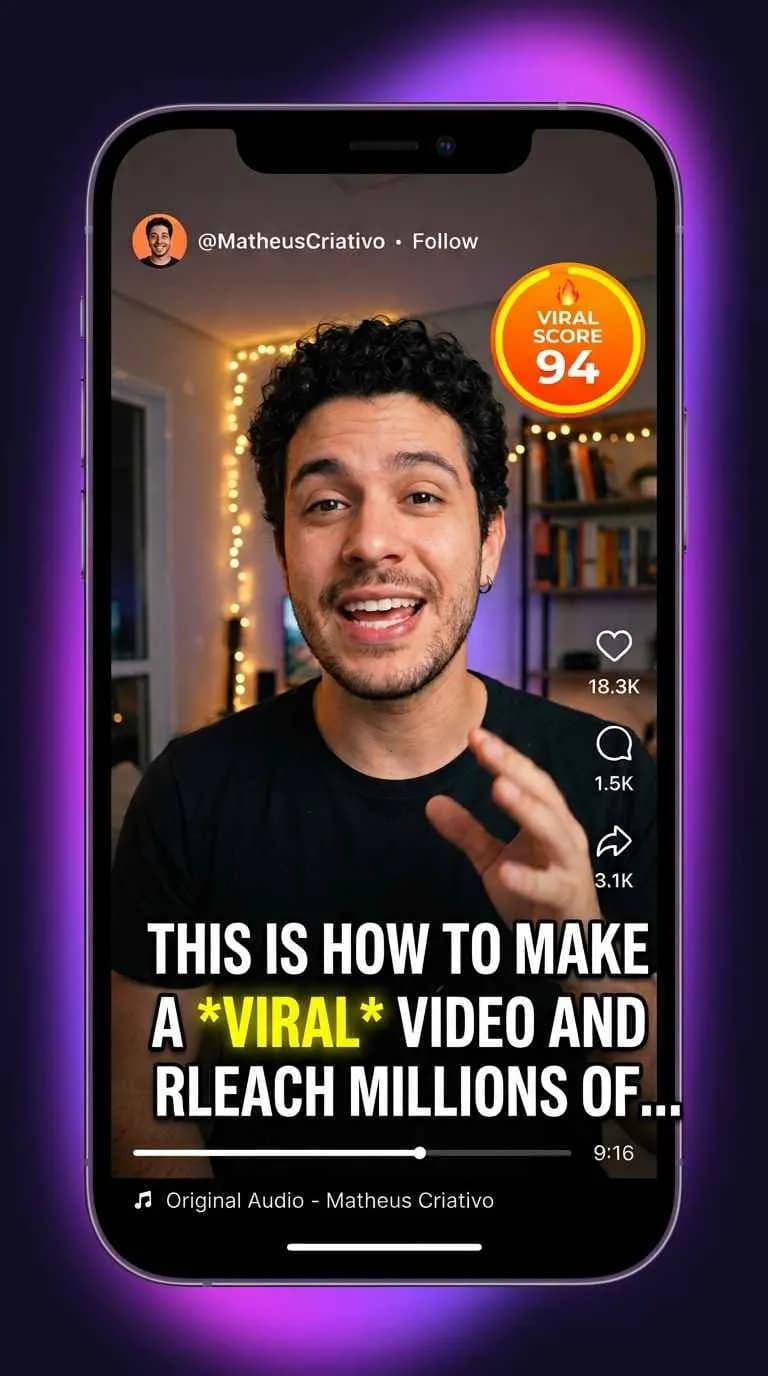
Ready-to-post clips in the right format for
- TikTok
- Instagram Reels
- YouTube Shorts
- Kwai
Editing shorts shouldn't consume your week
You don't have a content problem. You have an editing bottleneck.
Hours for 40 seconds
You rewatch the whole episode, cut, recut, burn in the captions. By the time the short is done, the topic has already gone cold.
Your best moments stay buried
The hook, the story, the tip someone would share: all locked inside a 90-minute file nobody will rewatch.
An editor is slow, expensive, or both
Freelancers charge per video and reply in days. Cloud tools ask for uploads, put you in a queue and charge per processed minute.
From link to posted in 3 steps
No timeline, no keyframes, no editing software to learn.
Paste the link
Drop a YouTube address or pick a file from your computer or phone. Nothing is sent to a server.
SubCut watches it for you
It picks the moments with the most viral potential, cuts them 9:16 and writes the captions.
Download and post
Clips arrive vertical, captioned and formatted for TikTok, Reels and Shorts. Publish the same day.
Everything an editor does, without the editor
Fast because it runs on your machine
No upload, no queue, no waiting for a server to free up. The file you have is the file being cut — and it never leaves your device.
- Total privacy for your content
- The speed of your own machine
- No minutes lost in queues
Never rewatch the whole video again
SubCut points at the hook, the story and the practical tip: the parts people actually stop to watch.
- Suggestions for the moments most likely to go viral
- Several clips per long video
Captions and 9:16 already done
Every clip comes out vertical, with burned-in captions and in the right format for the networks. Just post it.
- Automatic captions in Portuguese and other languages
- No watermark on exported clips
Why not use a cloud tool?
Same work, very different bill — and your footage never leaves your device.
Refers to cloud-based clipping tools in general; specifics vary by provider.
Who's already cutting with SubCut
Replace with real testimonials from your first users. Results with numbers sell better (e.g. "my watch time went up X%").
“[Real testimonial 1: before/after, with a number if possible.]”
“[Real testimonial 2: focus on speed or privacy.]”
“[Real testimonial 3: focus on price vs an editor or cloud tool.]”
Less than one outsourced edit
Start with 15 free minutes. Only subscribe when the clips are already working.
Trial
To try before you subscribe
- 15 minutes of video — enough for a real video
- Auto captions and 9:16 format
- Clips exported with a SubCut watermark
- No credit card — just create an account
Starter
For creators building a posting habit
- Clips rendered on your device — no upload, no queue
- Auto captions and 9:16 format for TikTok, Reels and Shorts
- 180 minutes of video every month
- No watermark on exported clips
Pro
For creators and teams shipping every day
- Everything in Starter, including watermark-free exports
- Suggestions for the moments most likely to go viral
- 600 minutes of video every month
- Cut several videos at once
Billed monthly · Cancel anytime · 15 free minutes before you pay anything
Before you download
Is SubCut really free?
Yes. Creating an account gives you 15 free minutes — enough to run it on a real video before paying anything. No credit card required.
Do my videos get uploaded to your servers?
No. Cutting, captions and rendering all happen on your own computer or phone. Your file never leaves your device.
How are the minutes counted?
In minutes of video you process: a 60-minute episode uses 60 minutes of your balance. Your dashboard always shows what is left.
Do I need to know how to edit?
Not at all. Paste the link and SubCut picks the moments, cuts them vertical and writes the captions for you.
How is it different from cloud clipping tools?
Cloud tools upload your video, queue it and charge per processed minute. SubCut renders on your device: no upload, no queue, and your footage stays private.
Can I cancel anytime?
Yes. Plans are billed monthly with no contract — cancel from your dashboard whenever you want.
Your next 10 clips are already filmed
Download SubCut, paste a link and post your first clip today. 15 free minutes, no credit card.